Smart home
Build a Smart Home Morning Routine That Starts With Your Alarm
The most dependable smart home morning routine is one your alarm starts, not one that fires at a fixed time. When the alarm rings, the lights come up, the heating or cooling adjusts, and the house is ready by the time you’re on your feet. A short, well-tested chain beats an elaborate one.
Key takeaways
- Trigger the routine from your alarm so it follows your real wake time, including days off.
- Light and temperature do most of the work. Add locks and extra sound with care.
- Keep the chain short, local where possible, and never let the alarm sound depend on it.
- Mirror it at night: lights down and door locked when you fall asleep.
Why trigger the routine from your alarm instead of a schedule?
A schedule assumes every morning is the same. Real weeks aren’t: an early flight on Tuesday, a day off on Friday, a lie-in on Sunday. A routine fixed at 6:30 will light up the bedroom on all three unless you remember to edit it.
Your alarm already holds the one piece of information the house needs, which is when you actually intend to get up. Attach the routine to it and everything else follows. Move the alarm and the lights move with it; switch the alarm off and the house stays quiet.
It also keeps priorities in the right order. The alarm is the part that must work. The automation is a bonus layered on top, and if it fails you still wake up.
The four building blocks: light, temperature, door and sound
Light
Light is the strongest lever. Your body clock takes its timing largely from light, and morning daylight is an especially strong signal: in one study, a week of camping with only natural light shifted participants’ body clocks about two hours earlier.1 A lamp is far dimmer than daylight, so think of bedroom lights as the nudge that gets you up and to a window. Color, brightness and placement are covered in turning smart lights into a sunrise alarm.
Temperature
A bedroom that is too hot or too cold disturbs sleep: a research review found that both heat and cold exposure increase wakefulness and reduce deep and REM sleep.2 So keep the room comfortable for sleeping overnight, and let the heating or cooling move toward its daytime setting when the alarm rings, which makes leaving the bed less of a shock. For the overnight side, see the best bedroom temperature for sleep.
Door
Locks deserve the most caution. Unlocking automatically suits a few situations, such as letting in a carer or dog walker on set days, but for most households the useful lock automation is the one that locks up at night. If a morning action touches the door, attach it only to the specific alarms that need it.
Sound
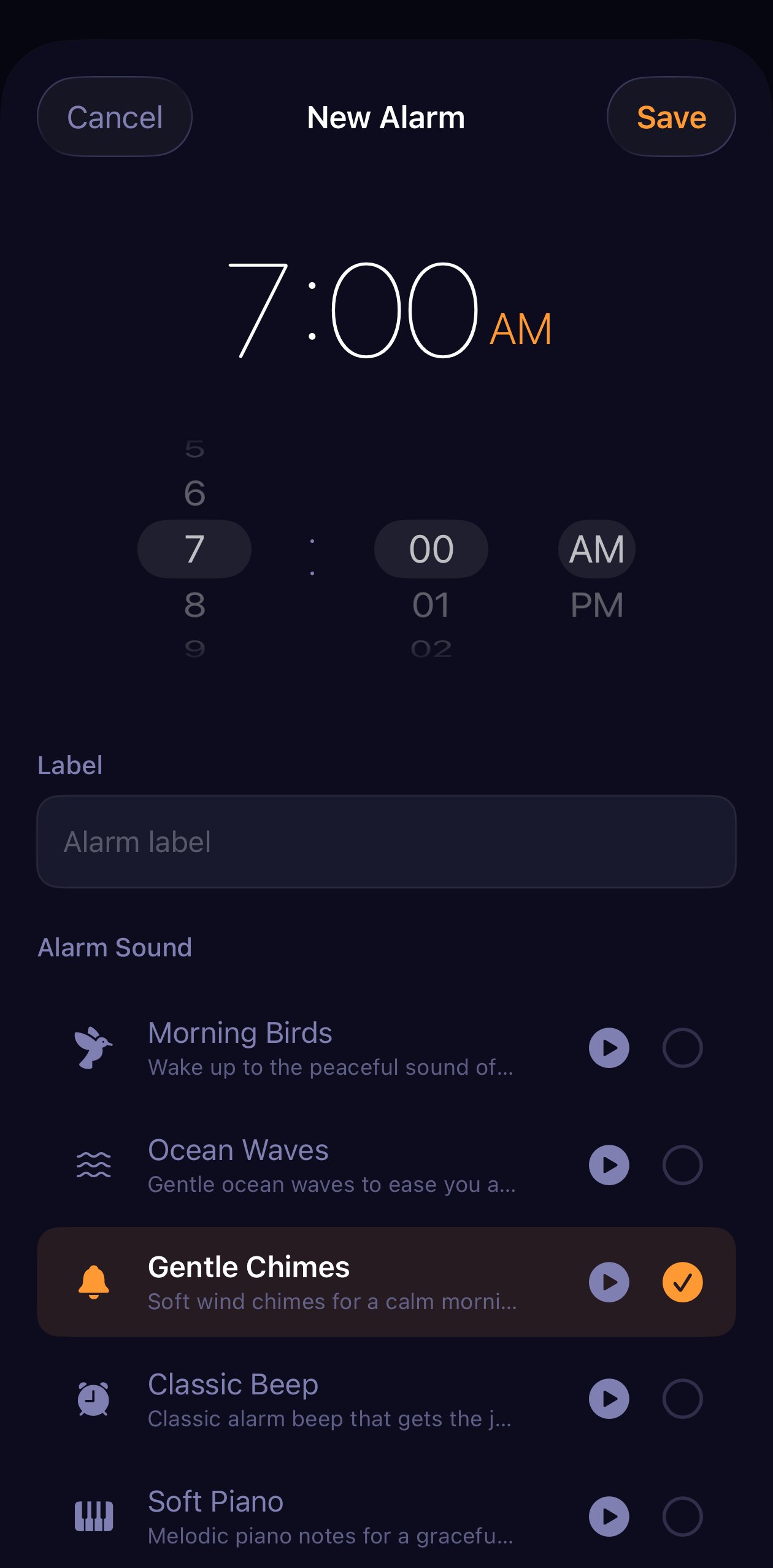
The alarm sound is part of the routine too. A tone that starts quietly and rises pairs naturally with lights that brighten. Save anything extra, such as music or the radio from a speaker, for after you’ve dismissed the alarm so the two don’t compete.
Three example routines to copy
These are starting points, not prescriptions. Each uses the same trigger, the alarm, and differs only in how much the house does.
| Routine | Trigger | What happens |
|---|---|---|
| Weekday | Repeating alarm, Monday to Friday | Bedroom lights come up warm, heating or cooling moves to its daytime setting, kitchen light switches on |
| Weekend | A later alarm, or none at all | Bedroom light at low brightness and nothing else |
| Shift worker | One-time alarms set per shift | Bedroom lights at full brightness whatever the hour, climate adjusts, rest of the home stays dark |
Weekday. Aim for momentum. Light the bedroom first, then the room you walk to next, so there is a lit path out of bed. Add temperature and stop there, because three actions that work every day beat eight that work sometimes.
Weekend. If you keep an alarm at weekends, which helps you hold a consistent wake-up time, give it a gentler version with dimmer light in the bedroom only. If you don’t set one, nothing runs. That is exactly the advantage over a schedule.
Shift worker. When wake-up time moves between early morning and mid-afternoon, schedules fall apart and alarm-linked actions come into their own. Blackout curtains mean the room is dark whenever you wake, so the lights matter more. Limiting actions to the bedroom avoids waking the rest of the household.
Keep it local, short and reliable
Every extra device and every cloud service in the chain is one more thing that can fail at six in the morning. Systems controlled over your home network keep working when the internet connection drops, while those that go through a manufacturer’s cloud account don’t.
- Prefer local control where you have the choice.
- Keep the chain short and put the most important action first.
- Test it during the day by setting an alarm a few minutes ahead.
- Leave wall switches on, since a smart bulb without power can’t respond.
- Never rely on the automation to wake you. The alarm sound is the safety net.
Setup depends on what you own. There are step-by-step guides for connecting Philips Hue lights to your alarm, using Home Assistant with your alarm, and automating locks and climate around your sleep.
The night-time counterpart: dim and lock when you fall asleep
A morning routine works better when the evening is handled too. The mirror image is simple: lights down or off, the door locked, the temperature set for sleep.
The catch is timing. A fixed “lights off at eleven” schedule cuts the lights while you’re still reading, or leaves them on long after you’ve drifted off. Triggering from sleep itself solves that, in the same way the alarm solves it in the morning.
Where to start this week
Start with one alarm and one light. Attach a single bedroom-light action to tomorrow’s alarm, test it this afternoon, and live with it for a few days. Add temperature next, then the night-time side, and only then anything involving a lock. A routine built one dependable step at a time is one you’ll still be using months from now.
Frequently asked questions
How do I trigger a smart home routine with my iPhone alarm?
You need an alarm app or automation platform that can run actions when an alarm rings. The simplest setup attaches the actions to the alarm itself, so changing the alarm time moves the whole routine with it. A fixed-time schedule is the fallback, but it will also run on your days off unless you remember to switch it off.
Should my morning routine unlock the front door?
Be cautious. An automatic unlock is convenient if someone needs to get in at a set time, but it also means your door can open while you are still in bed or away from home. Locking automatically at night is the lower-risk automation. If you do automate unlocking, limit it to specific alarms and review it whenever plans change.
What happens to my routine if the internet goes down?
Devices controlled over your local network, such as a lighting bridge or a home hub in the house, usually keep working without internet as long as your home network is up. Services that go through a cloud account will not. Either way, your alarm sound should never depend on the automation, so the worst case is waking in a dark room.
Do I need a smart home hub for a morning routine?
Not necessarily. One set of smart bulbs and an app that can control them when your alarm rings is enough for a wake-up light. A hub or platform such as Apple Home, Home Assistant or Homey becomes useful when you want lights, heating and locks from different brands to act together from a single trigger.
Sources
- Wright KP, et al. Entrainment of the human circadian clock to the natural light-dark cycle. Current Biology, 2013. doi.org/10.1016/j.cub.2013.06.039
- Okamoto-Mizuno K, Mizuno K. Effects of thermal environment on sleep and circadian rhythm. Journal of Physiological Anthropology, 2012. doi.org/10.1186/1880-6805-31-14